
AgentBrains RAG
Add semantic retrieval and image lookup to n8n agents without managing vector infrastructure yourself.
AgentBrains RAG
Use this node when the workflow needs semantic search instead of exact document lookup.
The node is built for AI-agent usage in n8n. It can be attached directly as a tool, which makes it a good fit for LangChain-based agents and n8n AI Agent flows.
What it does
The node supports two retrieval modes:
| Operation | Purpose | Typical result |
|---|---|---|
| Retrieve Text | Search a text index for the most relevant chunks | Context passages for product, policy, troubleshooting, or support questions |
| Retrieve Image | Search the image index by semantic intent | Image metadata or image URLs that match labels generated during ingestion |
Why teams use it
The RAG node gives you semantic retrieval without setting up a separate vector database workflow in n8n. You do not need to manage embeddings, a Pinecone client, or custom retrieval scripts in the workflow itself.
Parameters
| Parameter | Description |
|---|---|
| Operation | Choose between text retrieval and image retrieval |
| Index Name or ID | Select the text index to search when using Retrieve Text |
| Query | The semantic search prompt or user question |
| Extended Response | For image retrieval, choose between the full response payload or only image URLs |
| Tool Description | Explains to an AI agent when it should use this tool |
| Options → Top K | Number of matches to return |
| Options → Metadata | Optional JSON filter passed to retrieval |
Index behavior
For text retrieval, the node loads available indexes dynamically. It always includes a built-in global option:
- Core Text Index (All Documents) for broad semantic search across the full document corpus
The underlying API exposes index collections and metadata such as index names, notes, category membership, and vectorisation status. That makes this node a practical handoff point between AgentBrains knowledge organization and n8n execution.
Image retrieval
Image mode uses the dedicated images namespace automatically.
This is especially useful when the user asks to see something rather than only describe it, for example:
- wiring diagrams
- product comparison images
- labeled reference photos
- marketing or catalog visuals
If Extended Response is disabled, the node returns only image URLs. If it stays enabled, the workflow receives the full retrieval payload.
Output shape
| Mode | Output |
|---|---|
| Retrieve Text | The raw retrieval response from the AgentBrains retriever service |
| Retrieve Image with Extended Response enabled | The full image retrieval payload |
| Retrieve Image with Extended Response disabled | A simplified array of image URLs extracted from result metadata |
Best workflow patterns
AI tool for broad questions
Use this node as a tool when the user asks something broad like:
- "How do I troubleshoot the thermal sensor?"
- "What should I know before installing this unit?"
- "Show me images for the blue and red variants."
The AI agent can call the node only when needed instead of loading a large static prompt every time.
Hybrid retrieval
Use RAG first to find the most relevant area of the knowledge base, then call AgentBrains Knowledge Base for exact document fetches when the answer must reference a specific record.
Visual answer flows
Use Retrieve Image when the chat or workflow should return a hosted image URL directly into the response.
Metadata filtering
The Metadata option accepts JSON and is passed through to the retriever. This lets you narrow results by structured properties if your ingestion pipeline stores those fields in the index metadata.
API concepts behind the node
The node uses:
- the index listing API to populate selectable indexes
- the retriever API to perform semantic lookup with
namespace,query,metadata, andtopK
The OpenAPI spec documents the index-management side of this model, including index status and category assignment. The retriever route in the integration service confirms the request shape used by the node.
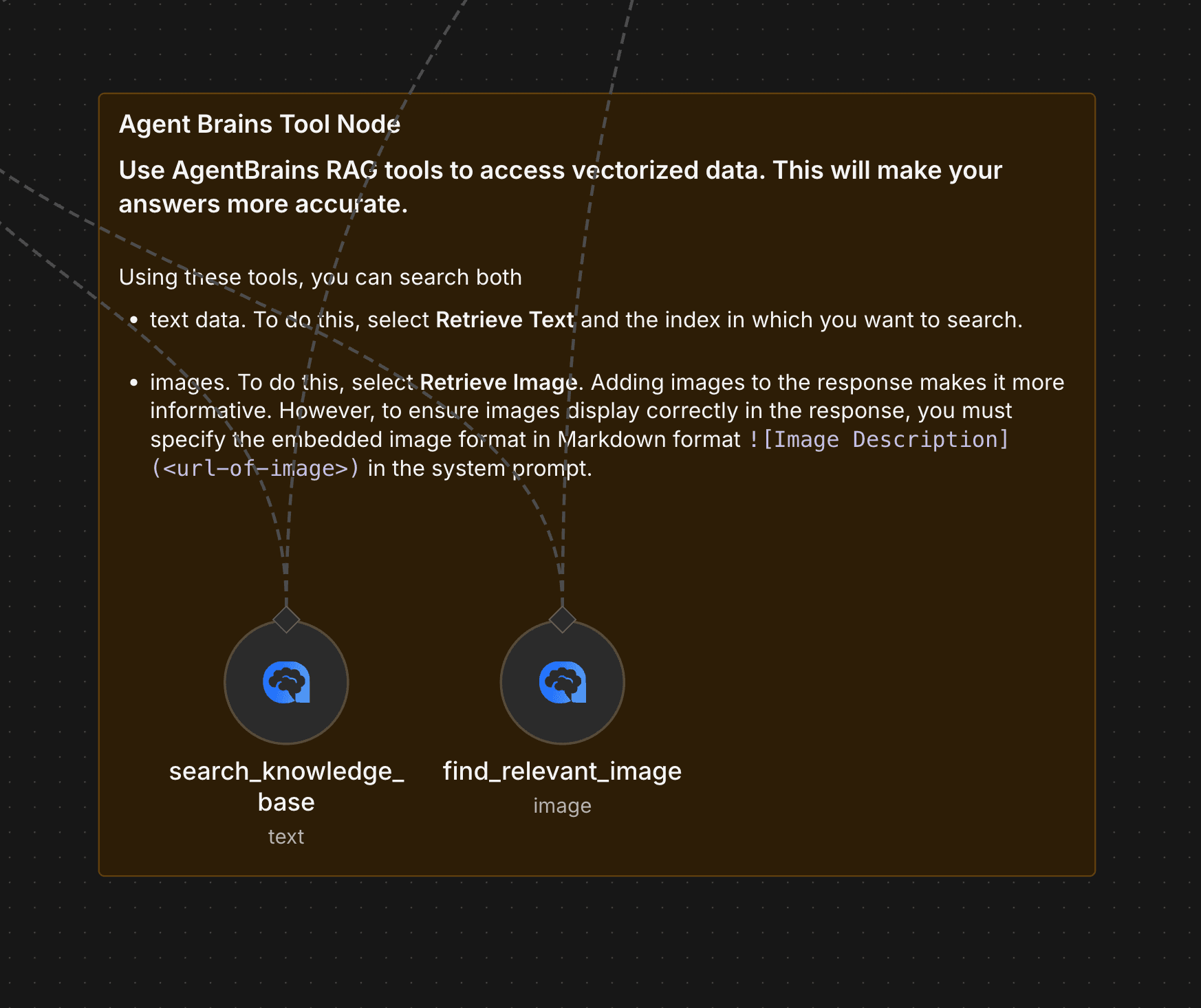
Node Interface
Here is how the AgentBrains RAG node looks in n8n:
RAG vs Knowledge Base
Use AgentBrains Knowledge Base when you already know which record to fetch. Use this node when you want the workflow or AI agent to discover the best matching context semantically.